
Simulator 04
Tallinn Soul Spheres
Explore Tallinn’s soul spheres, eras and connections in an interactive model of the Alien Teachings.
How to read the simulation
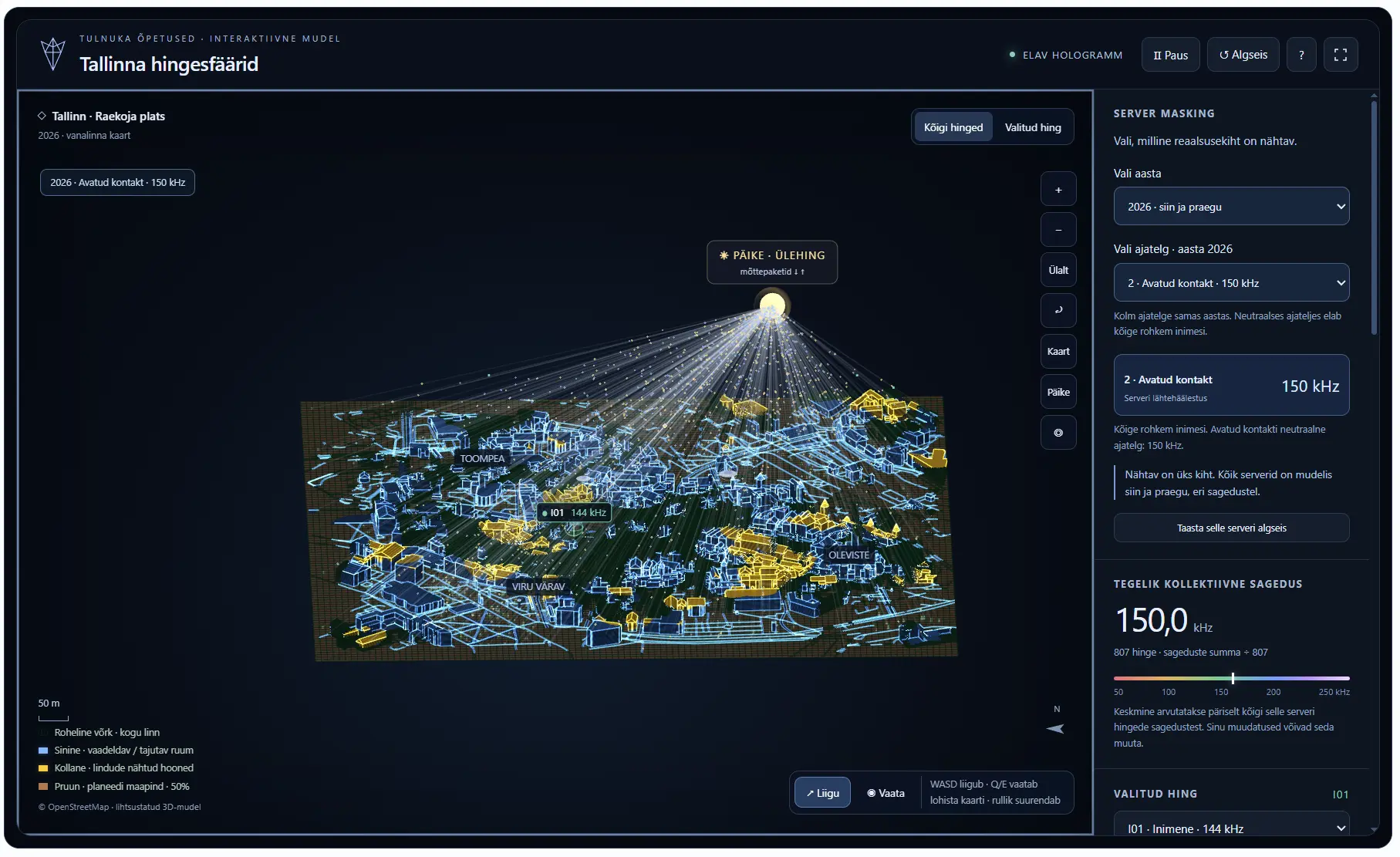
- Yellow ring — the human soul sphere
- The large yellow ring around a person marks their soul sphere: the space the soul perceives and makes visible, or renders, in this model. The sector inside shows the direction of sight. The smaller glow around the body is the aura.
- Blue city — perceived space
- Blue buildings and streets fall within at least one soul’s sphere and field of sight or perception. When no soul observes or perceives an area, the blue image fades. Trees and plants perceive their surroundings in every direction.
- Yellow buildings — birds’ view
- Roof and wall sections perceived by birds in flight appear yellow. Yellow building surfaces indicate a bird’s view; the yellow ring around a person marks their soul sphere boundary.
- Green grid and brown ground
- The green grid shows the base map of the whole city. The brown layer is the planet’s ground. Both remain visible when the blue or yellow perception image fades.
- Sun and silver threads
- The Sun represents the Oversoul. A silver thread connects each soul to it. Golden thought packets travel from the Sun to a soul, and blue packets return to the Sun. The selected soul’s connection is brighter.
Try these steps
1. Select a soul and a view
Select a person in the right panel. “Selected soul” shows their contribution to the visible city; “All souls” shows the combined contribution of every soul.
2. Move and look
WASD or the arrow keys move the selected soul; Q/E turn its gaze. Click the map to move to a destination. “Look” changes a click into a look command. Drag the map and use the wheel to zoom.
3. Change the settings
Frequency changes the selected soul’s kHz value and the server’s collective average. Height affects sphere size; field of view and fade time change the extent and persistence of the perceived image.
4. Choose an era or timeline
“Choose year” switches between 1800, 2026 and 2200. In 2026, choose from three timelines. Each layer has its own souls and frequencies; switching layers retains your previous changes.
“Map” shows the whole city, “Sun” shows the connection network, and ◎ returns to the selected soul. The top bar lets you pause, reset or enter full screen. On a phone, use the touch controls and open settings with “Server and souls”.
The holographic universe in brief
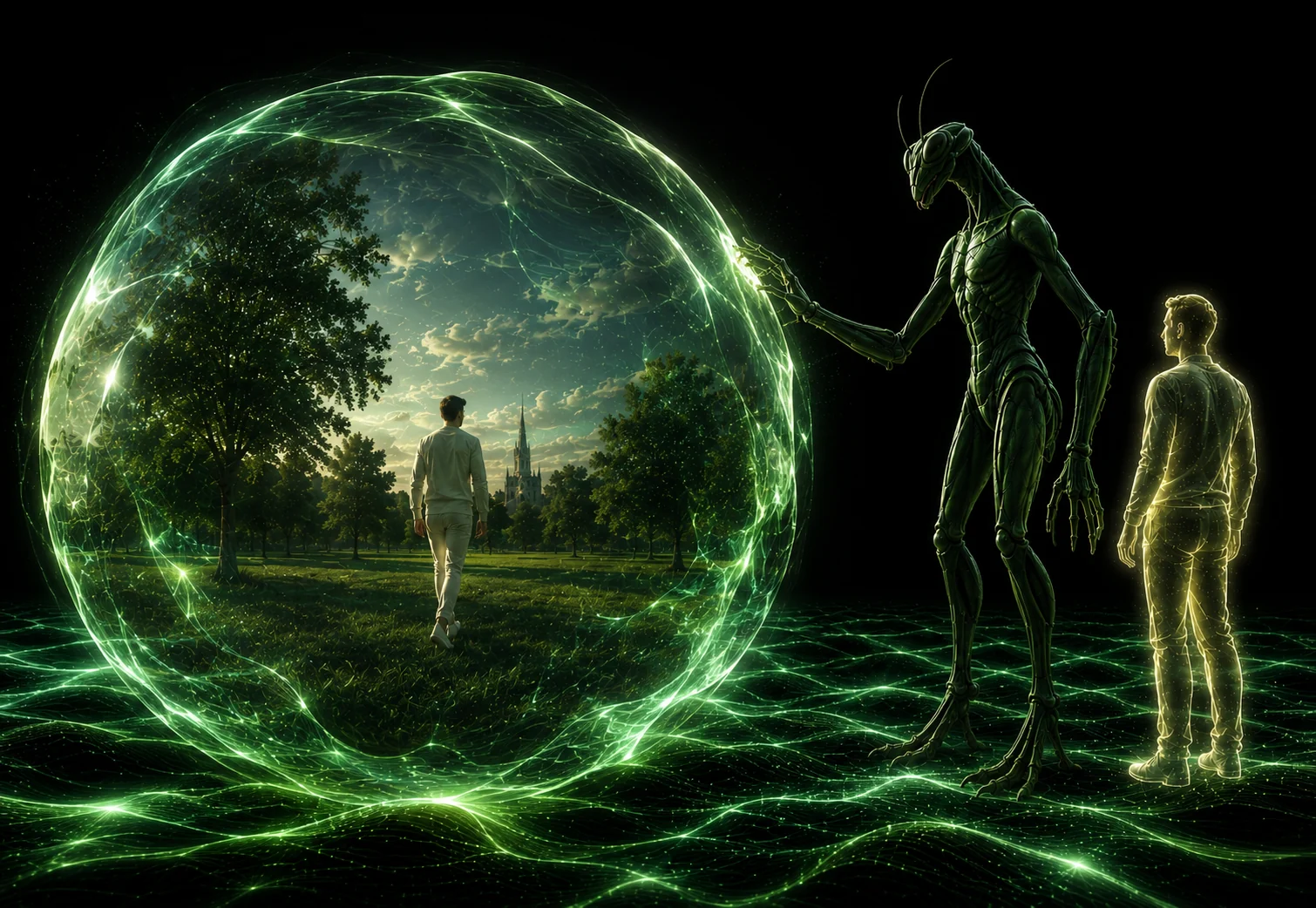
In this teaching, each soul experiences the world through its own soul sphere. The sphere acts as a mirror: beliefs, feelings and will shape what unfolds as personal experience.
Soul sphere
The space of your experience. In the game, see which parts of the city a selected soul perceives and how many souls’ views form a shared picture.
Thought packet
The image, meaning and feeling of one moment together. In this teaching, the sphere holds memories as packets; present belief and attention influence which one opens.
Oversoul
A wider field of consciousness connecting soul spheres, their experiences and timelines. The Sun represents it in the game, while silver threads show the souls’ connections.
Try it: switch between “All souls” and “Selected soul”. Then press “Sun” to see their shared connection point.
Read the holographic universe teaching →