The ship frequency stays at 333 kHz. Adjust environmental loads to see how distance and shielding affect the human.
FIXED SHIP FREQUENCY333 kHzStable ship field
UVBVISIBLE LIGHTIR
UVB and full-spectrum light are separate properties of the source. Ionising radiation is a separate channel. Body frequency does not replace radiation shielding.
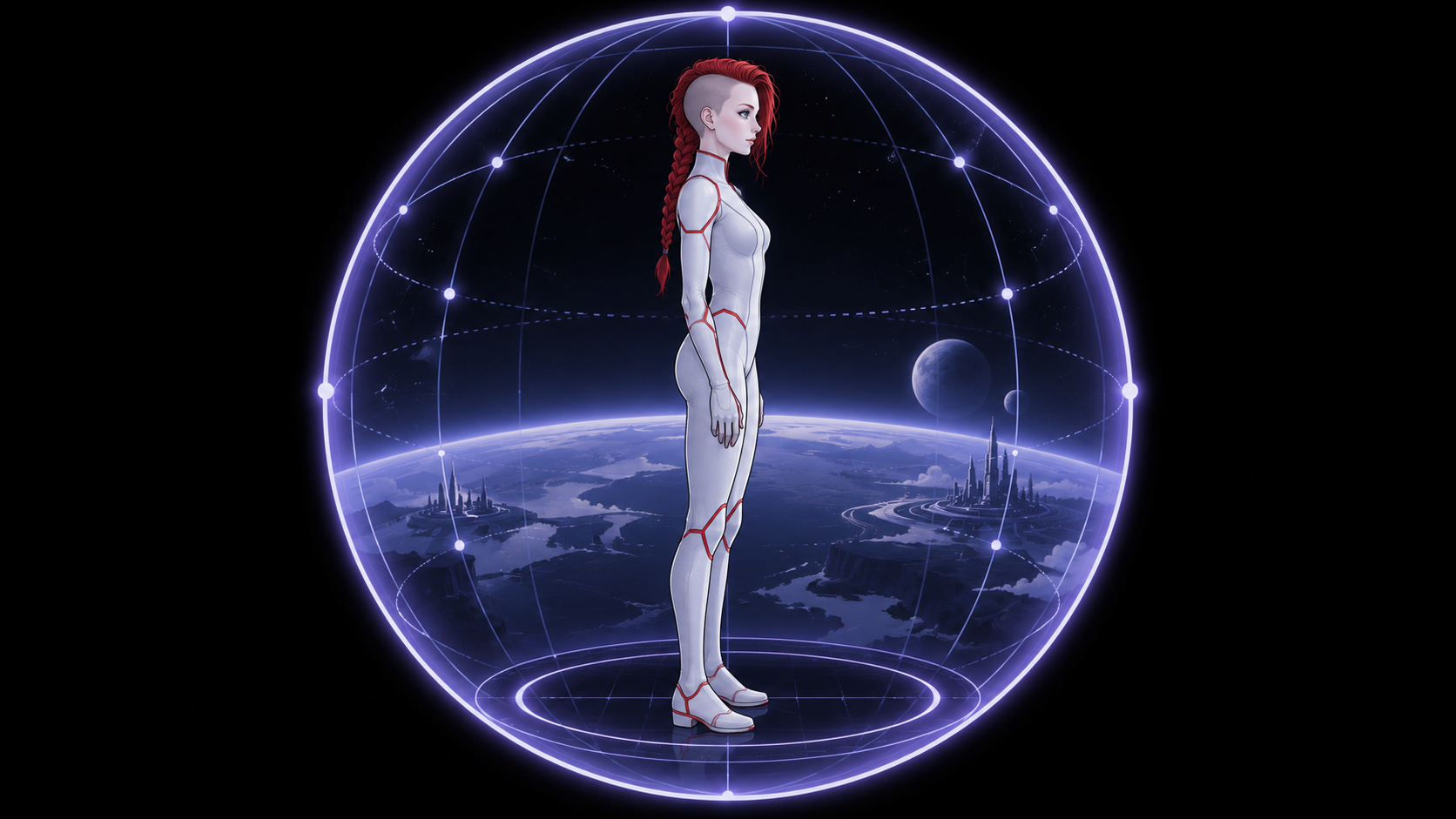
SHIP INTERIOR READINGSLyra
200 kHz · lifespan 1,000 years
In the author’s world, she does not need food or sleep.
Biofield coherence100%
Biofield power100%
Radiation load0 / 100
EM load0 / 100
SUIT CLOSED-LOOP SYSTEMBody fluids→Purification→Nutrient recovery↺
The suit returns processed fluids and recovered nutrients to the body.
Ship power → suit bioprocessing. This is fictional technology.
The human is outside. Lyra is inside the ship’s shield, wearing a stabilising suit.
MetricHumanLyraShip
Why does contact break?
Contact goal
Choose a comparison trial. Presets change the outside conditions; use the sliders to explore each result further.
Frequency controls contact and the body field. Radiation shielding controls radiation load separately.
Simulated time0 s
Best contact · Approach0 s
An entry is recorded every 10 simulated seconds. Moving sliders does not advance time.
The journal fills when you press “Start” or “+10 s”.
The current game journal will be cleared.
How to play
- Choose a scenario in the header. Switching pauses time, keeps frequency and distance, and starts a new consecutive-contact attempt. Each scenario keeps its own best result.
- Adjust human frequency and distance from the ship. Body fields and status respond immediately.
- Compare low frequency near the ship and farther away. Below 150 kHz, contact is disrupted; a strong field may cause fear and brain lock in the game.
- In the approach scenario, 150 kHz opens dream contact, 175 kHz reveals Lyra as a misty form, and 200 kHz gives clear contact. In the everyday scenario, outside contact remains closed until 185 kHz. Spheres below 75% coherence remain static.
- Activate the ship’s shielded corridor. When the ship is present, high frequency does not replace protection from ionising radiation.
- Press “Start”. Maintain clear contact for at least 30 seconds: 200+ kHz, 75%+ coherence, low brain lock and a shielded environment.
Ship visibility
Choose one of the two header scenarios. “Approaching the ship”: the ship is present and visible from 50 kHz; its influence depends on distance and shielding. “Everyday contact”: below 185 kHz, the field is empty. The ship, Lyra, ship mist and field rings are absent, and the ship’s EM, radiation, light and temperature effects on the human are zero. At 185 kHz, the ship and its influence appear; the image becomes clear by 200 kHz. These are two different situations within the game world.
The ship and Lyra
The ship field stays at 333 kHz. By default, the environment is 12 °C and the ship emits UVB and full-spectrum light. Its high EM field and ionising radiation are separate, adjustable game channels.
Lyra lives inside the ship’s shield. Her suit stabilises and amplifies the biofield and recycles body fluids into fluids and nutrients. The process uses ship power. These are fictional properties of the character and technology.
Model boundaries
kHz, auras, brain lock and contact are author-created game mechanics here. The radiation index is not measured in Sv, the UVB index is not a radiation dose, and the image does not measure health or environmental conditions. Body-fluid recycling is not dietary advice for humans.
Field motion
The switch in “Ship systems” starts and stops visible field waves. It works independently of the game clock, even while time is paused. Fields below 75% coherence remain static. If all visible fields are below the threshold or layers are hidden, the text below the switch explains why there is no visible motion. With a device preference for reduced motion, new games start with motion off; you can turn it on yourself.
Controls
Panels open inside the black game window. You can drag sliders consecutively while time is running; dragging continues even if the pointer leaves the slider. Use arrow keys on a keyboard. Esc closes a panel. Hiding the browser tab pauses the game. Data is stored in this browser; “Journal” lets you download and restore a backup.